Preparation & System Requirements
System Specs
Ensure you have at least a 64-bit OS (Windows 10/11 or macOS), 8GB+ RAM, and at least 10GB of free SSD space.
Autodesk Account
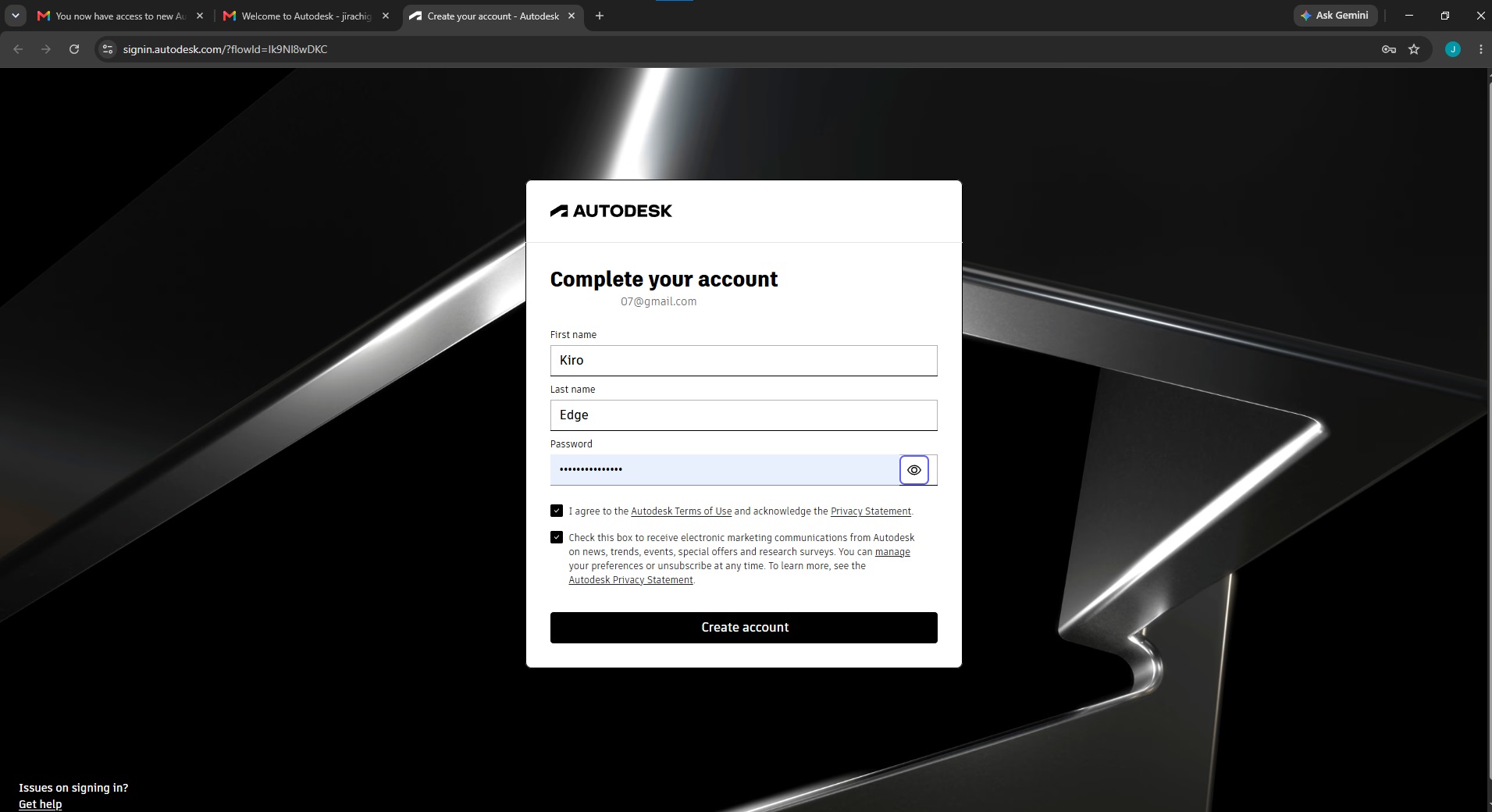
You must create or log into an Autodesk Account. Students can apply for free educational access.
Network Check
A stable internet connection is required to download the 2GB+ installer packages without corruption.
Step-by-Step Installation
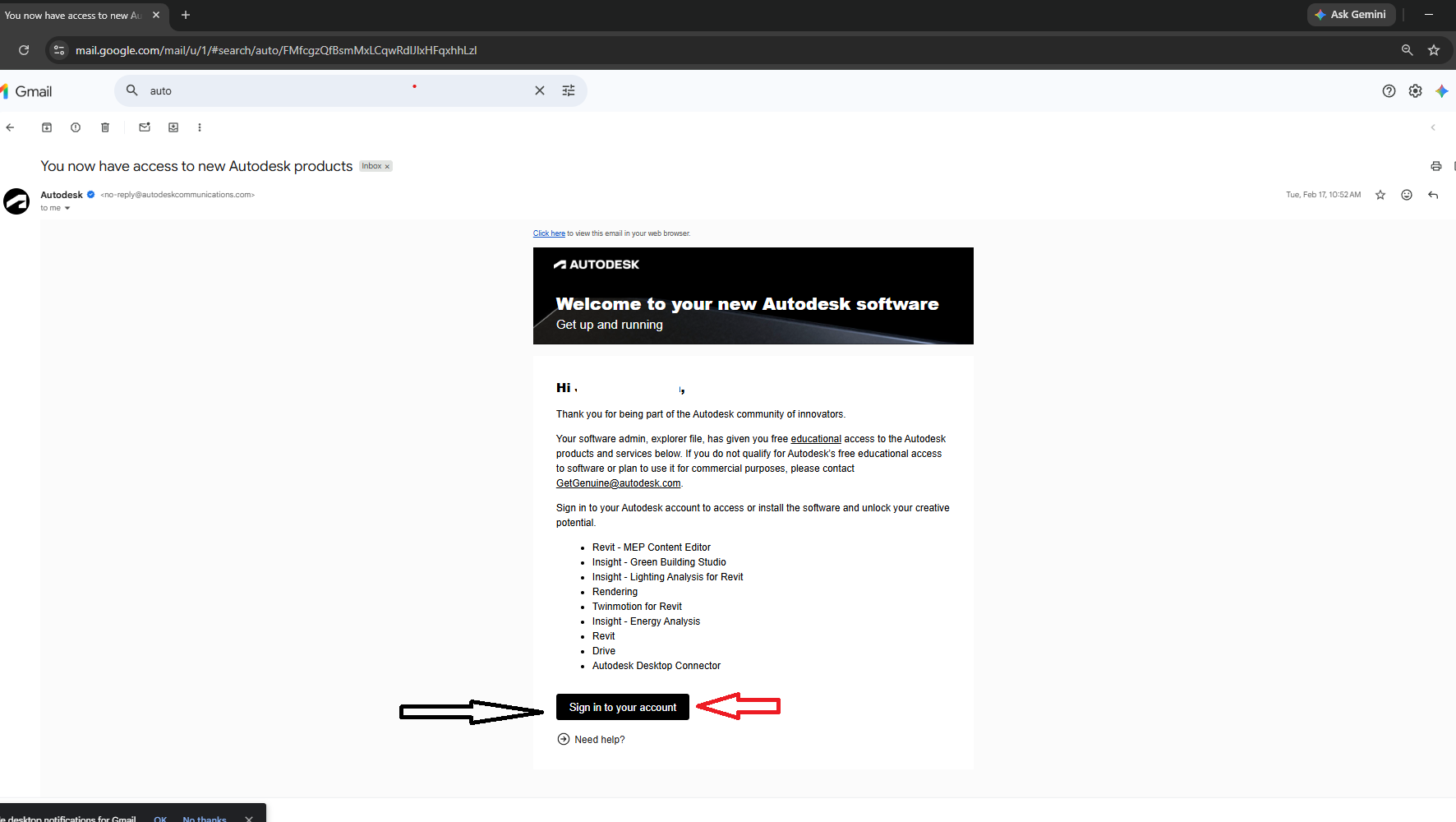
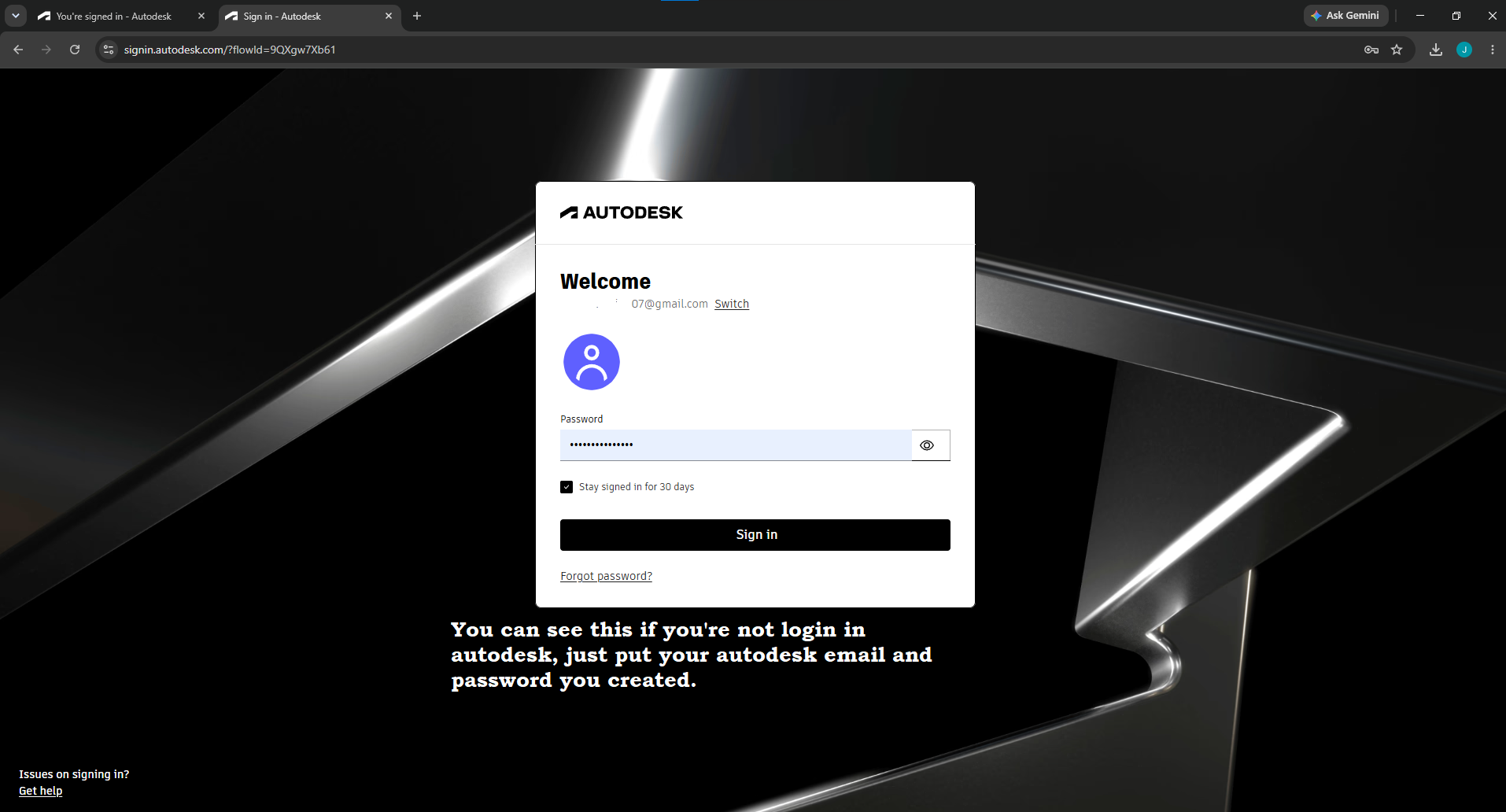
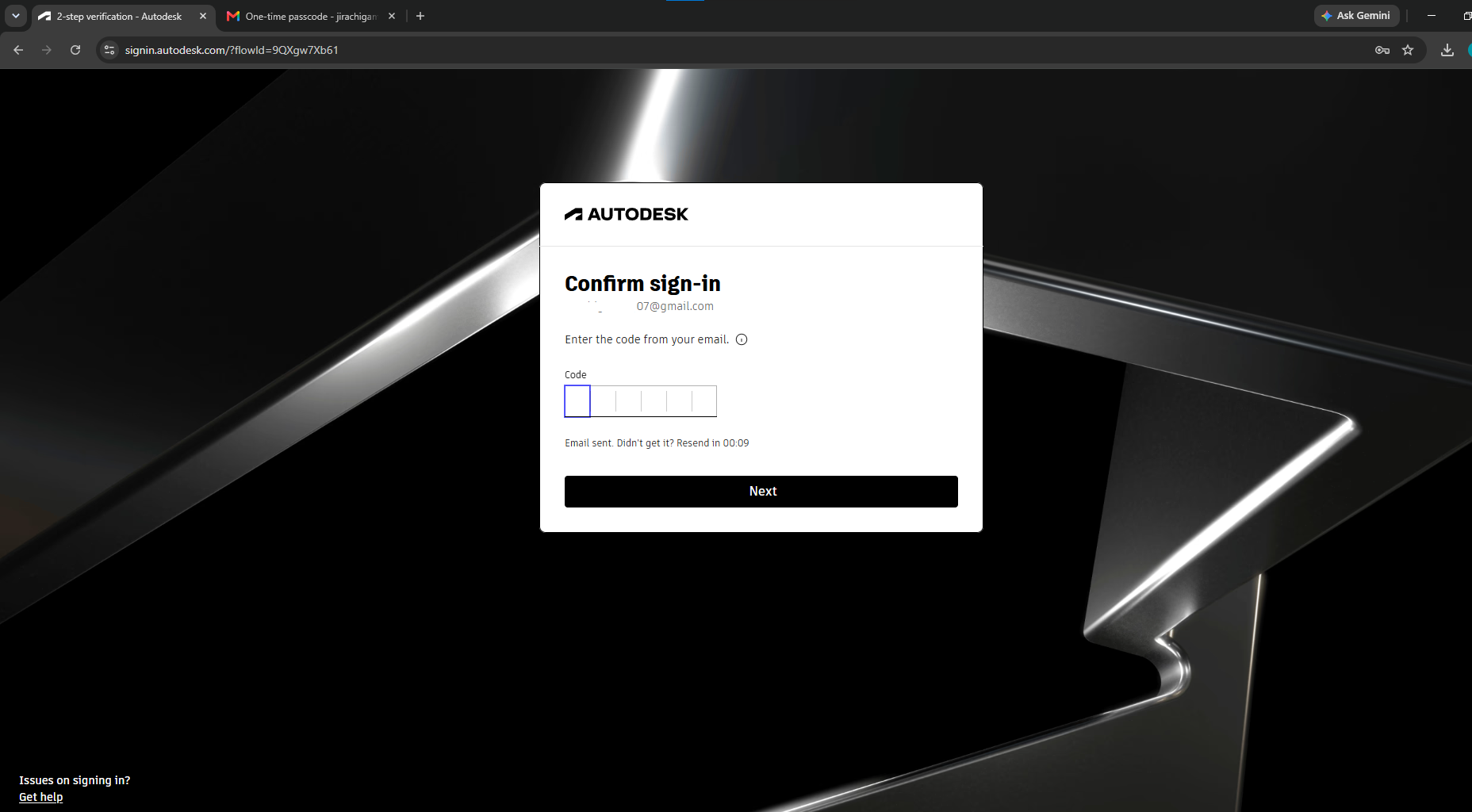
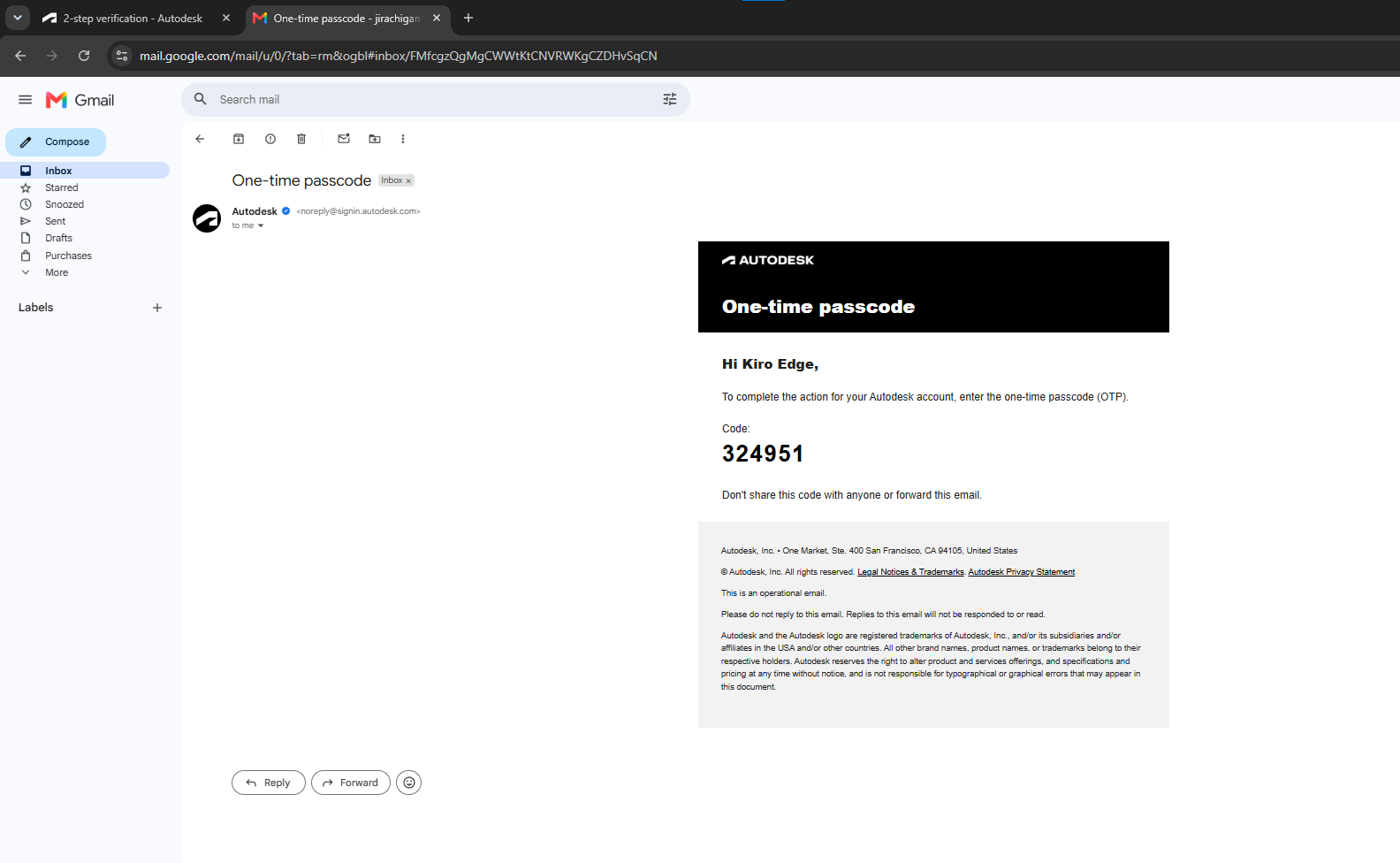
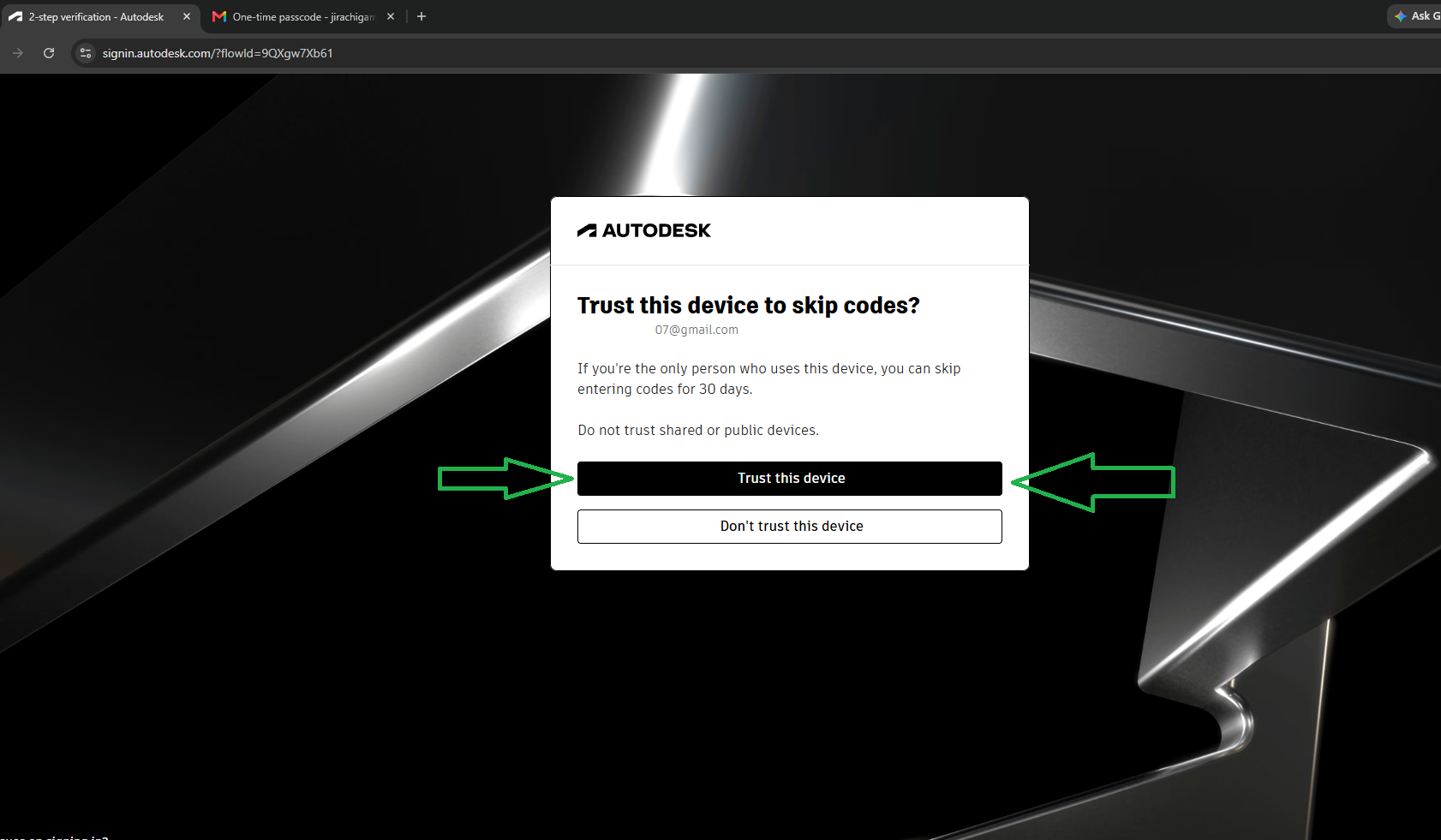
Received email from Autodesk
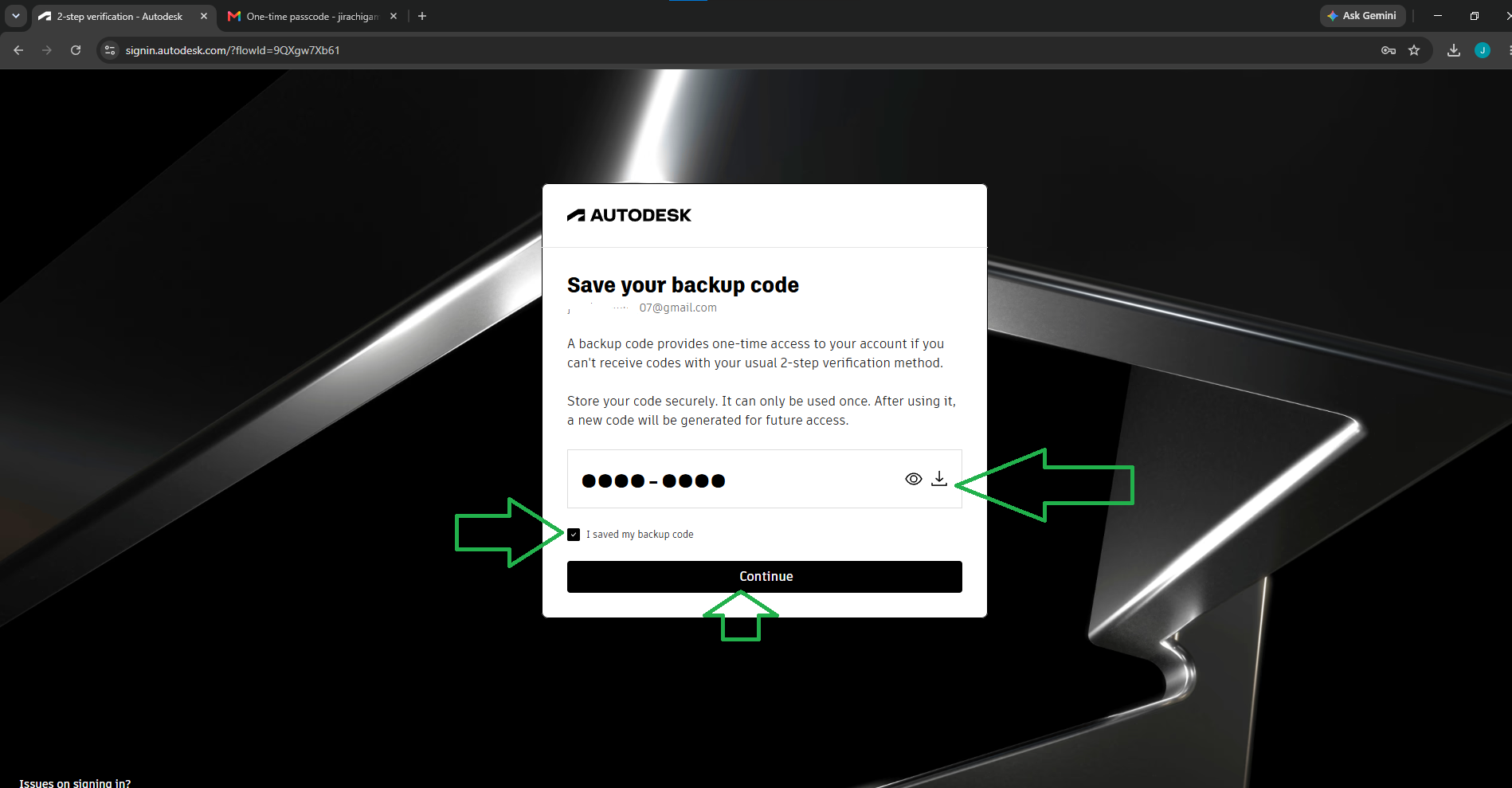
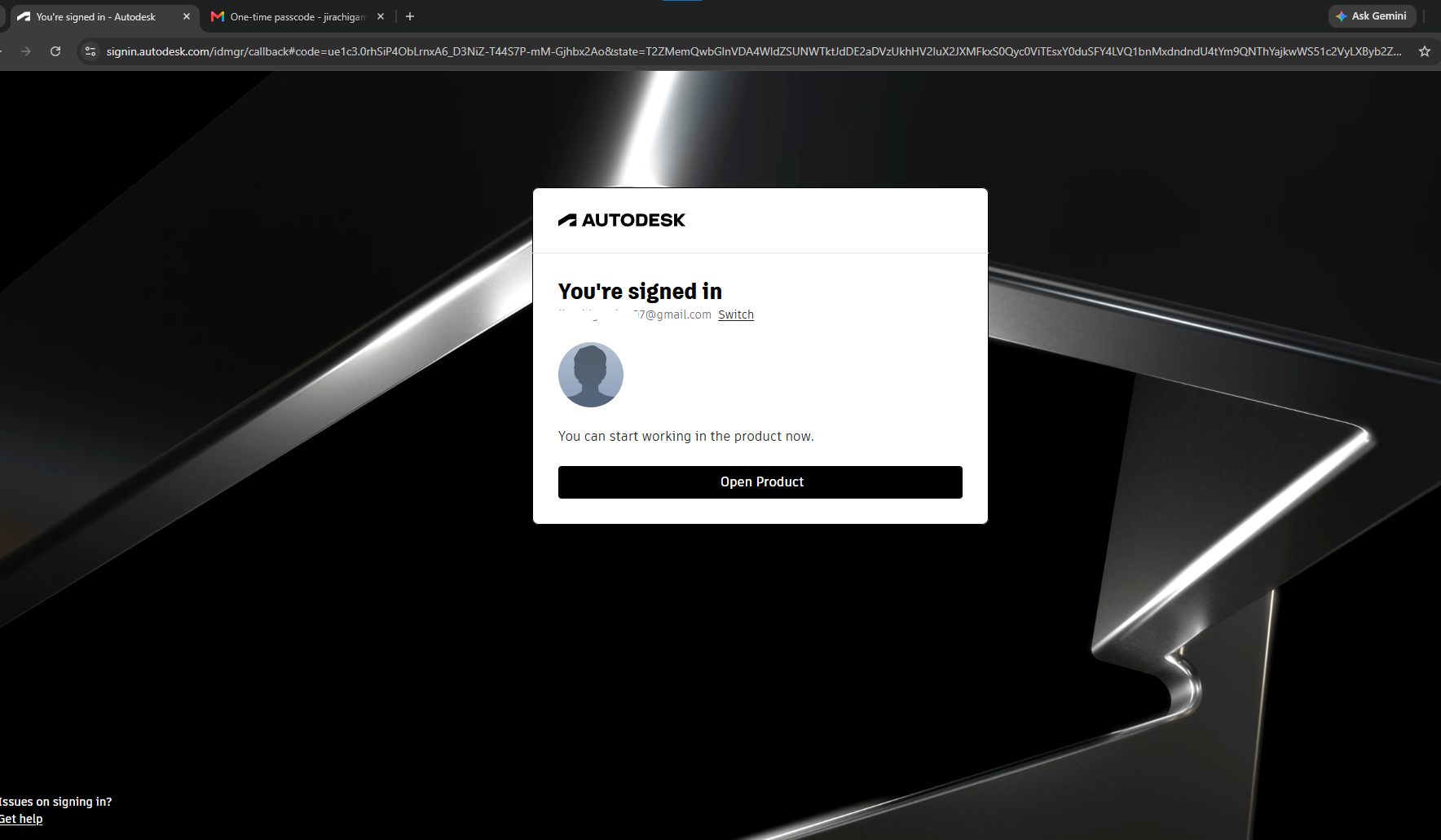
Navigate to your email. Create or Log into your account.
Download the Official Installer
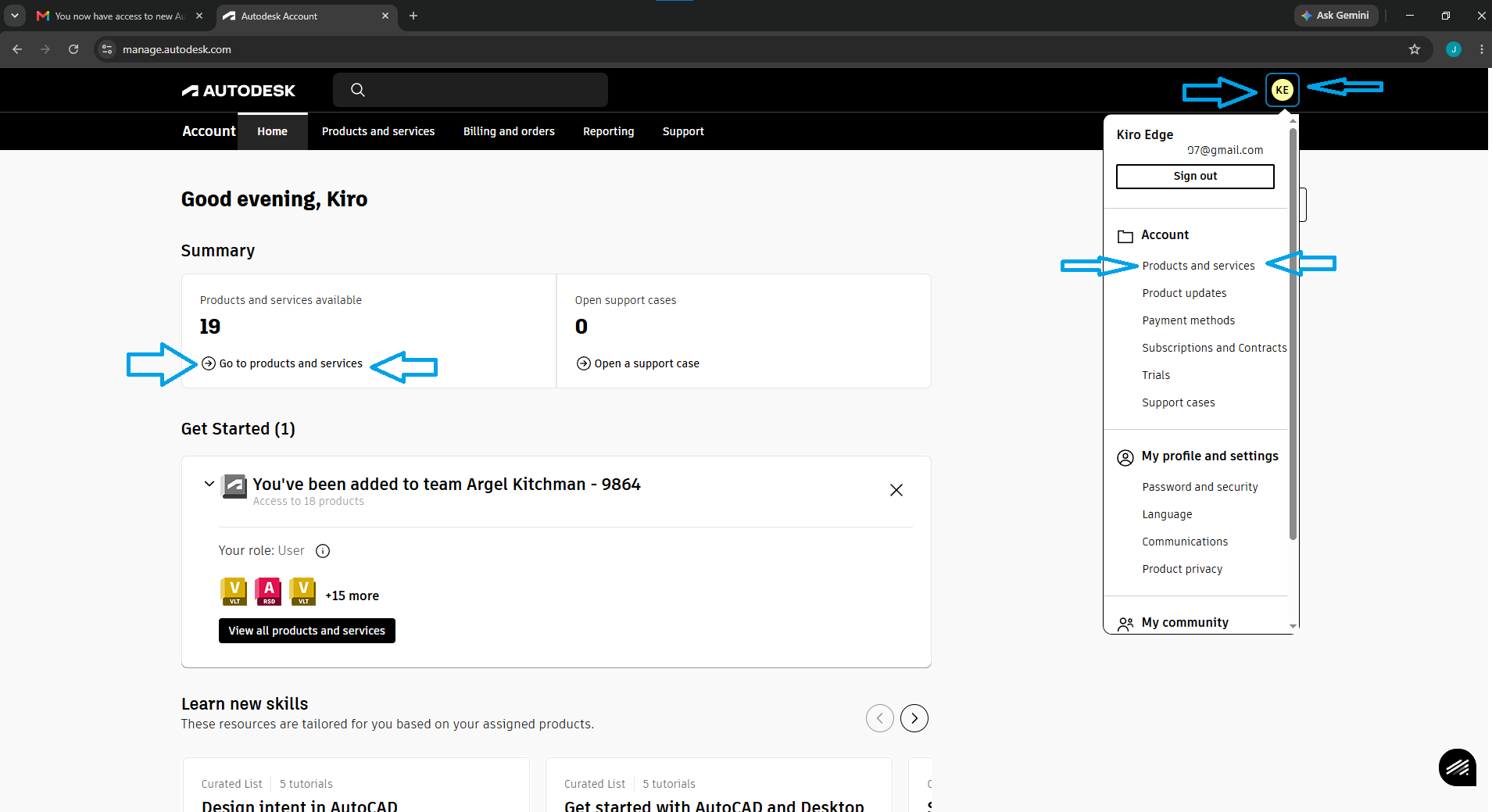
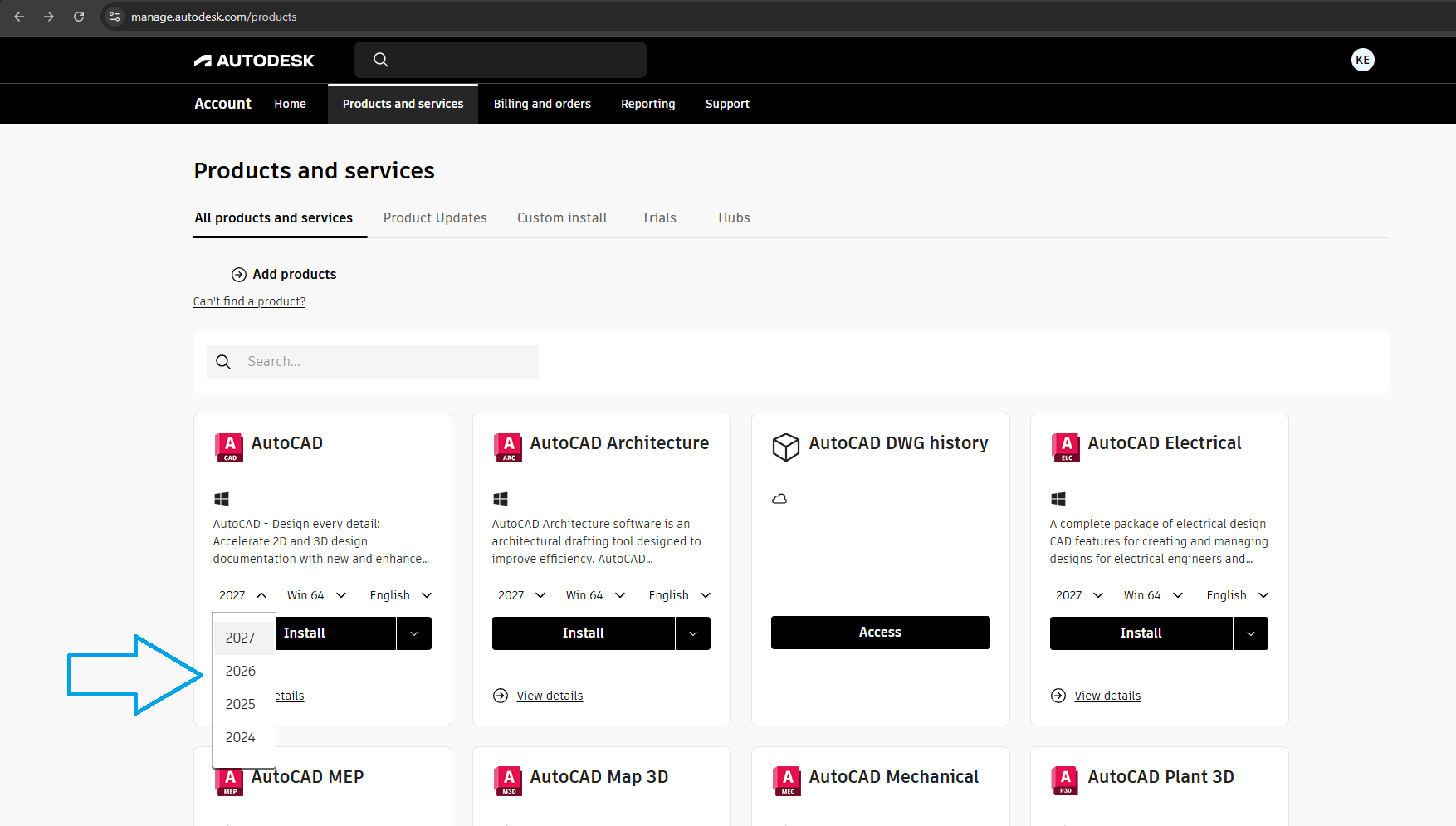
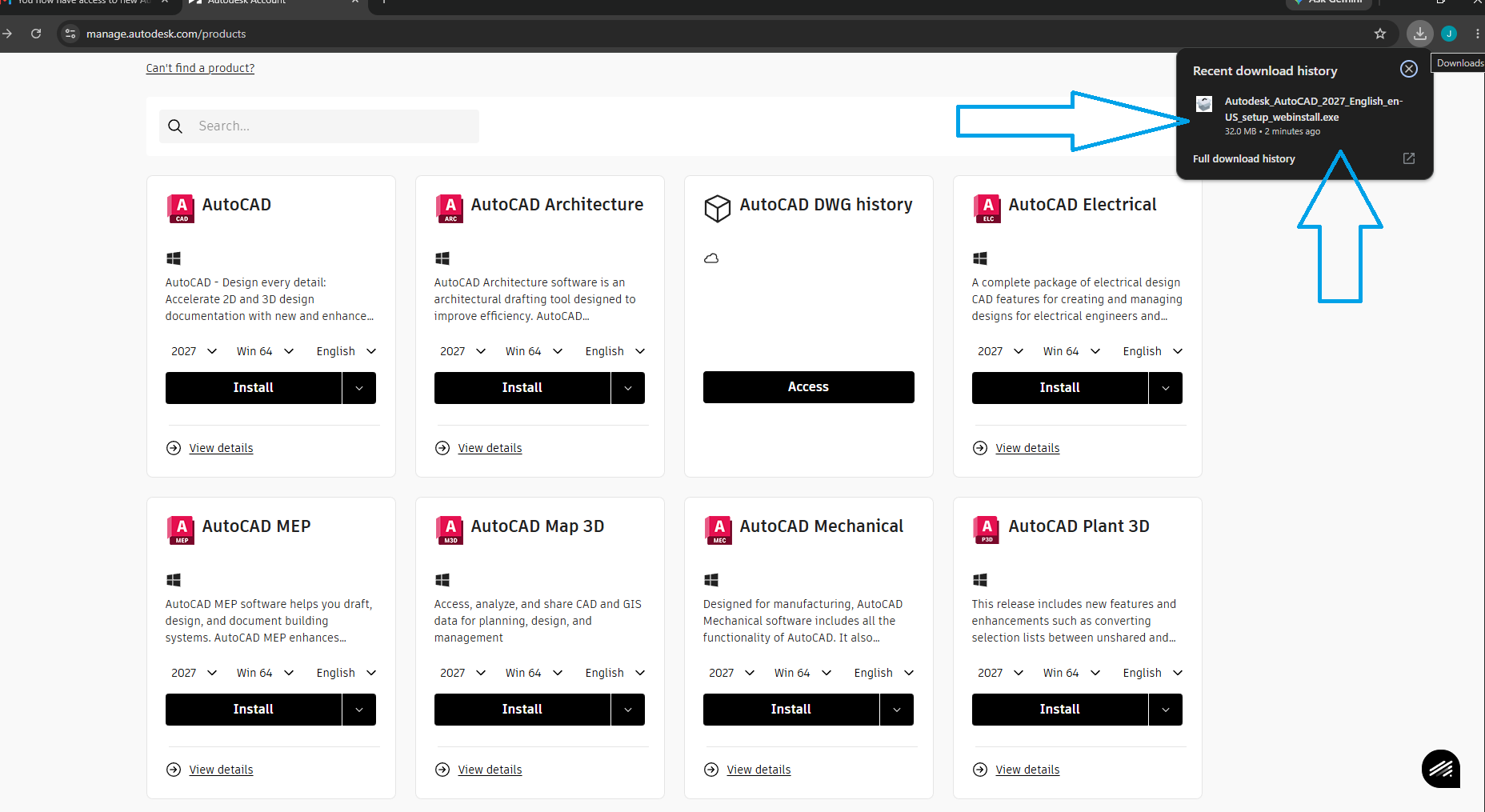
Navigate to the official Autodesk portal. Log into your account, select your desired software (e.g., AutoCAD), choose your version of desired software and operating system, and click "Install". Do not use third-party mirrors.
Run the Setup File
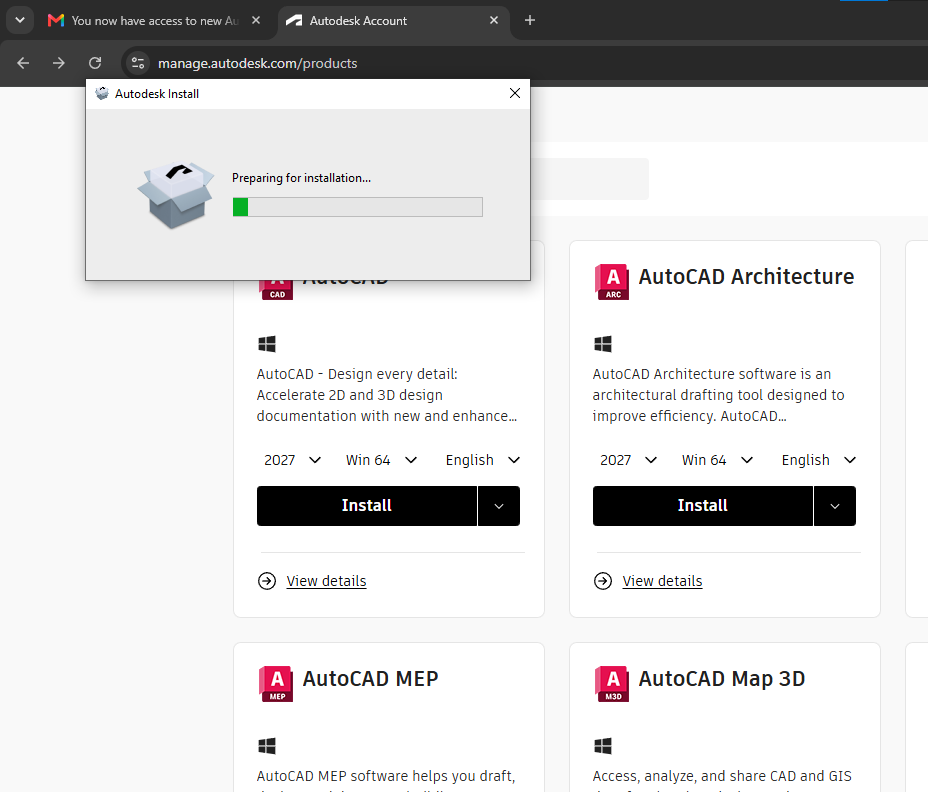
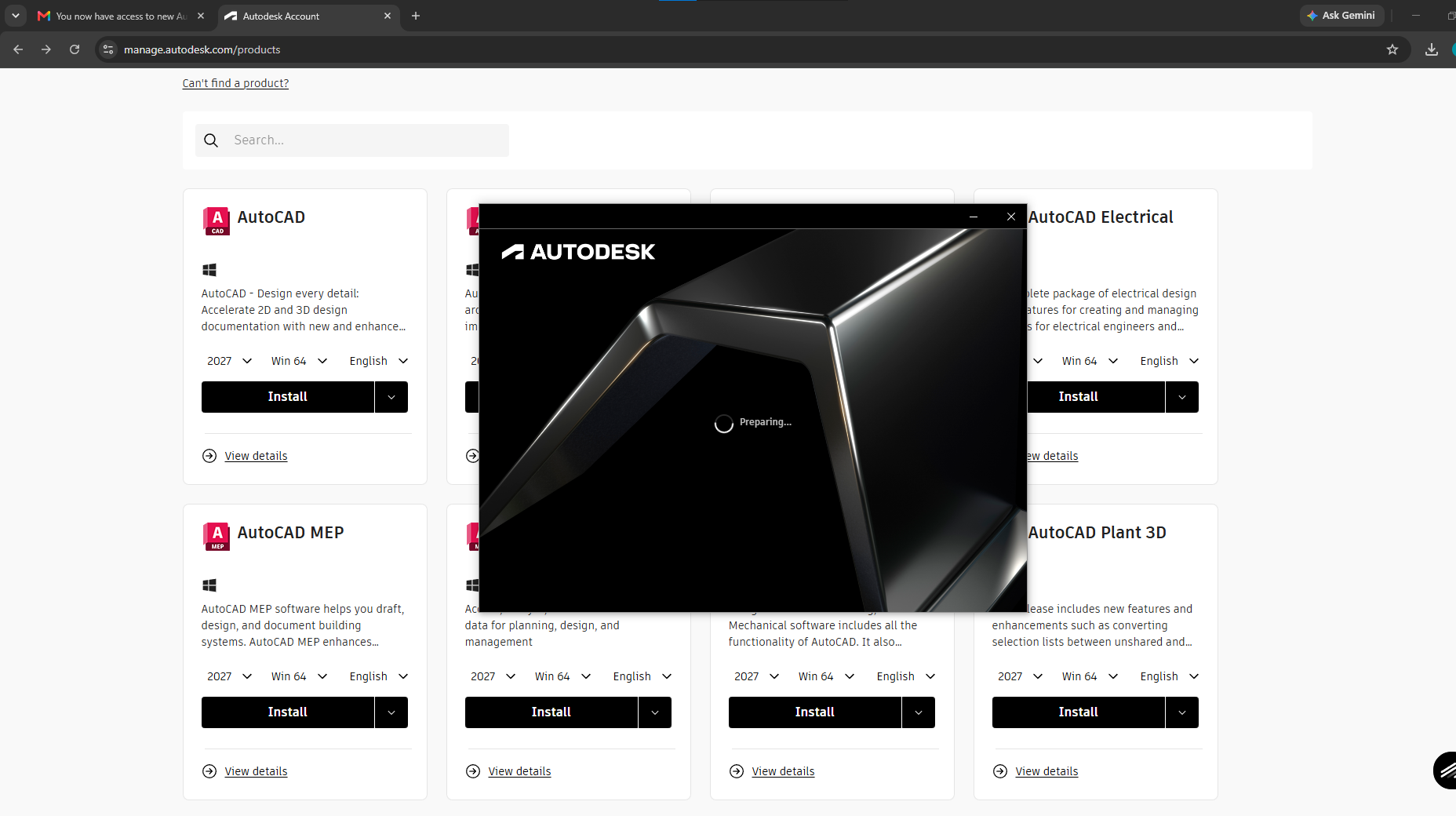
Locate the downloaded `.exe` (Windows) or `.dmg` (Mac) file in your Downloads folder. Right-click and select "Run as Administrator" to ensure the installer has the necessary permissions.
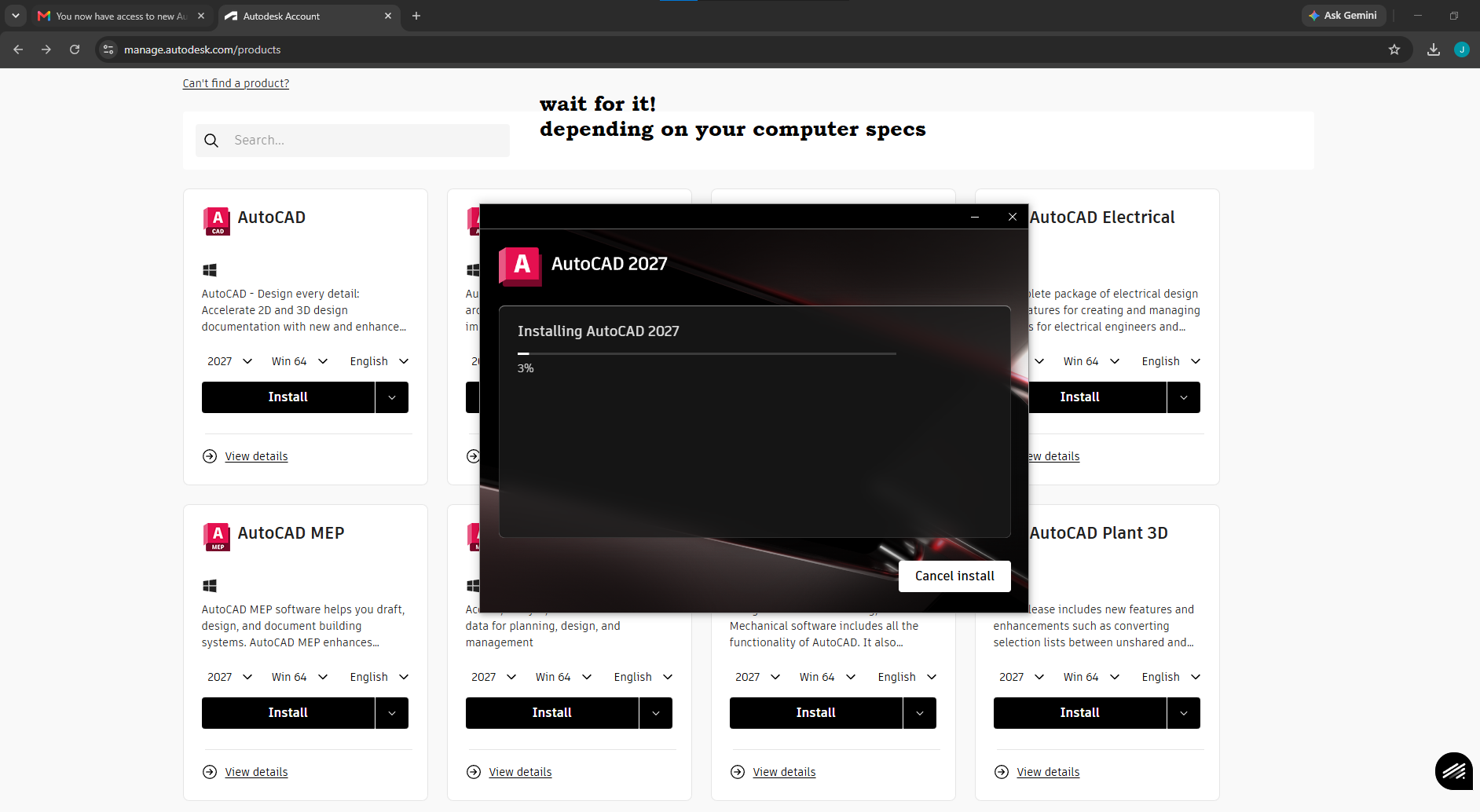
Configure Installation Paths
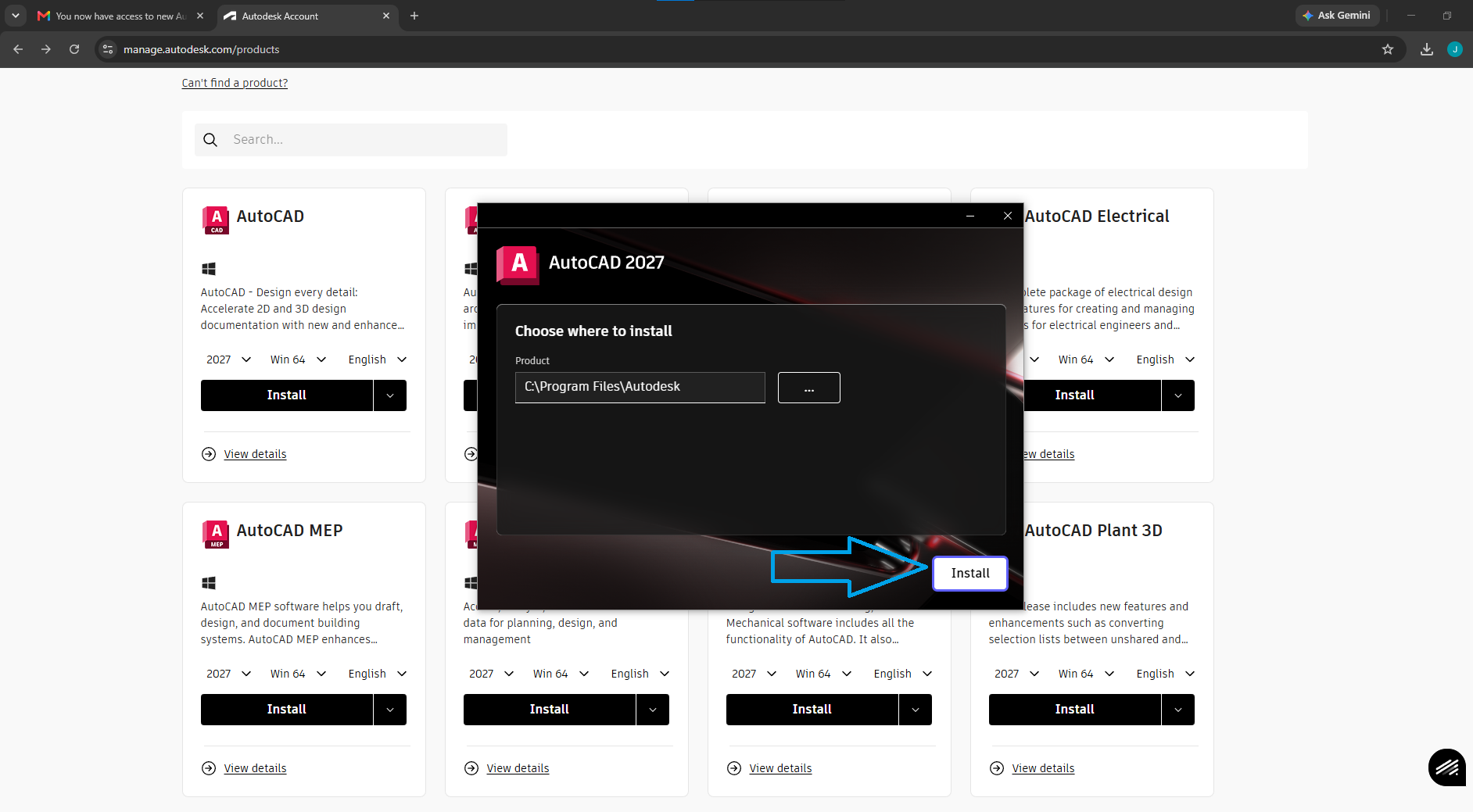
Accept the End User License Agreement (EULA). When prompted for the installation path, it is highly recommended to leave it as the default `C:\Program Files\Autodesk` to prevent future path errors.
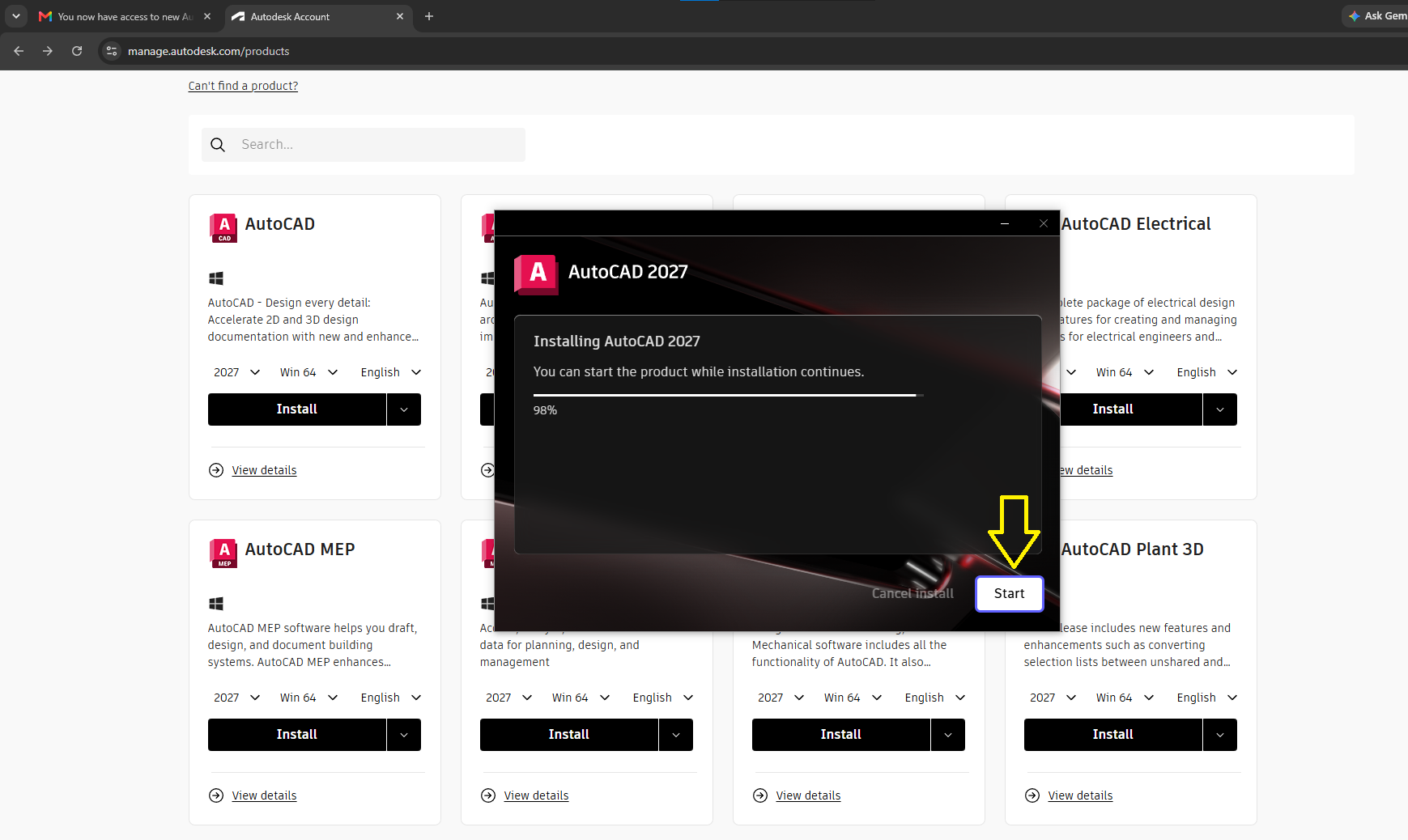
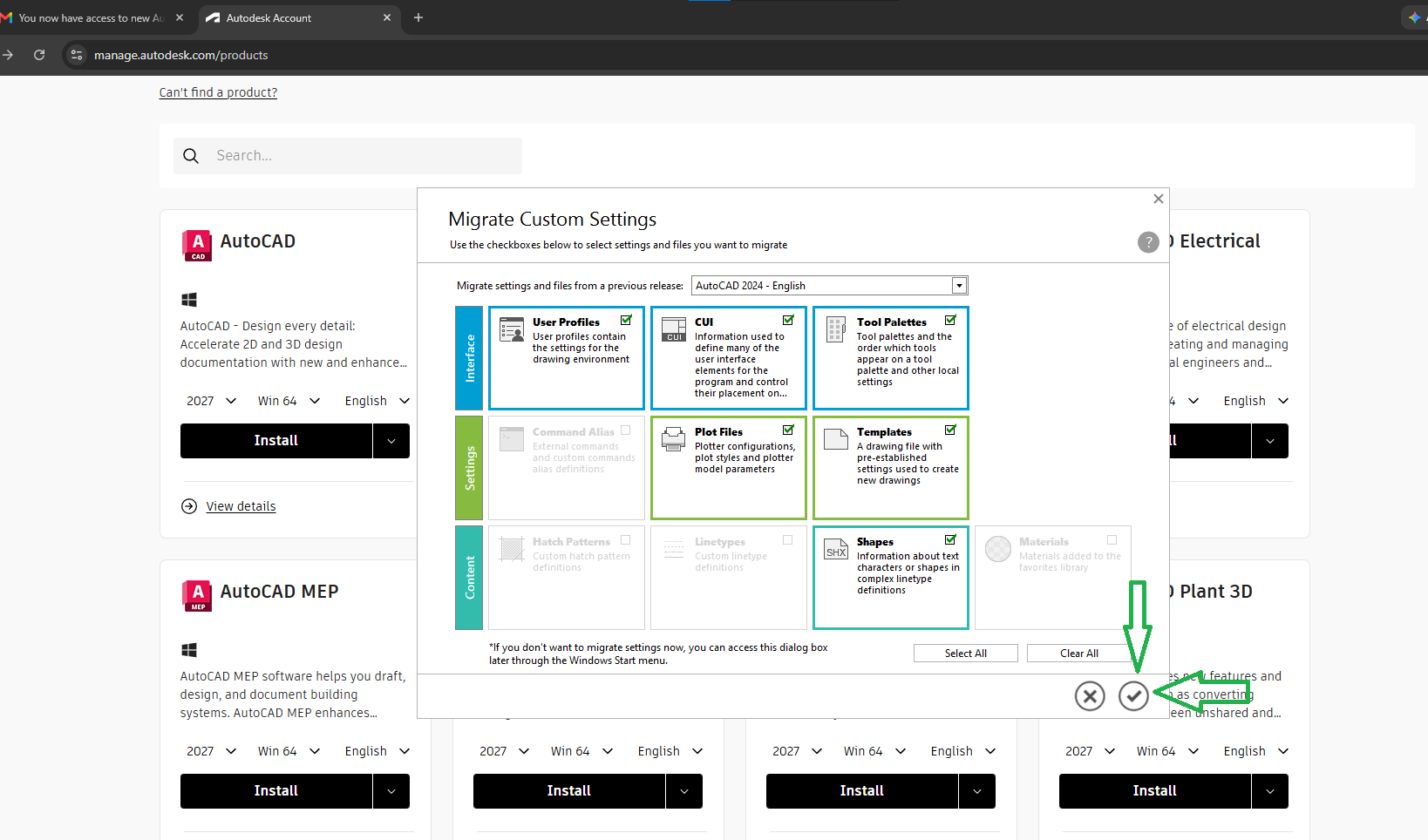

Troubleshooting & Common Errors
Error 1603: A fatal error occurred during installation
This is usually caused by conflicting background processes or lack of disk space. Fix it by:
1. Clearing your `%TEMP%` folder.
2. Temporarily disabling your antivirus software.
3. Ensuring you have administrator privileges.
License Not Found / Activation Failed
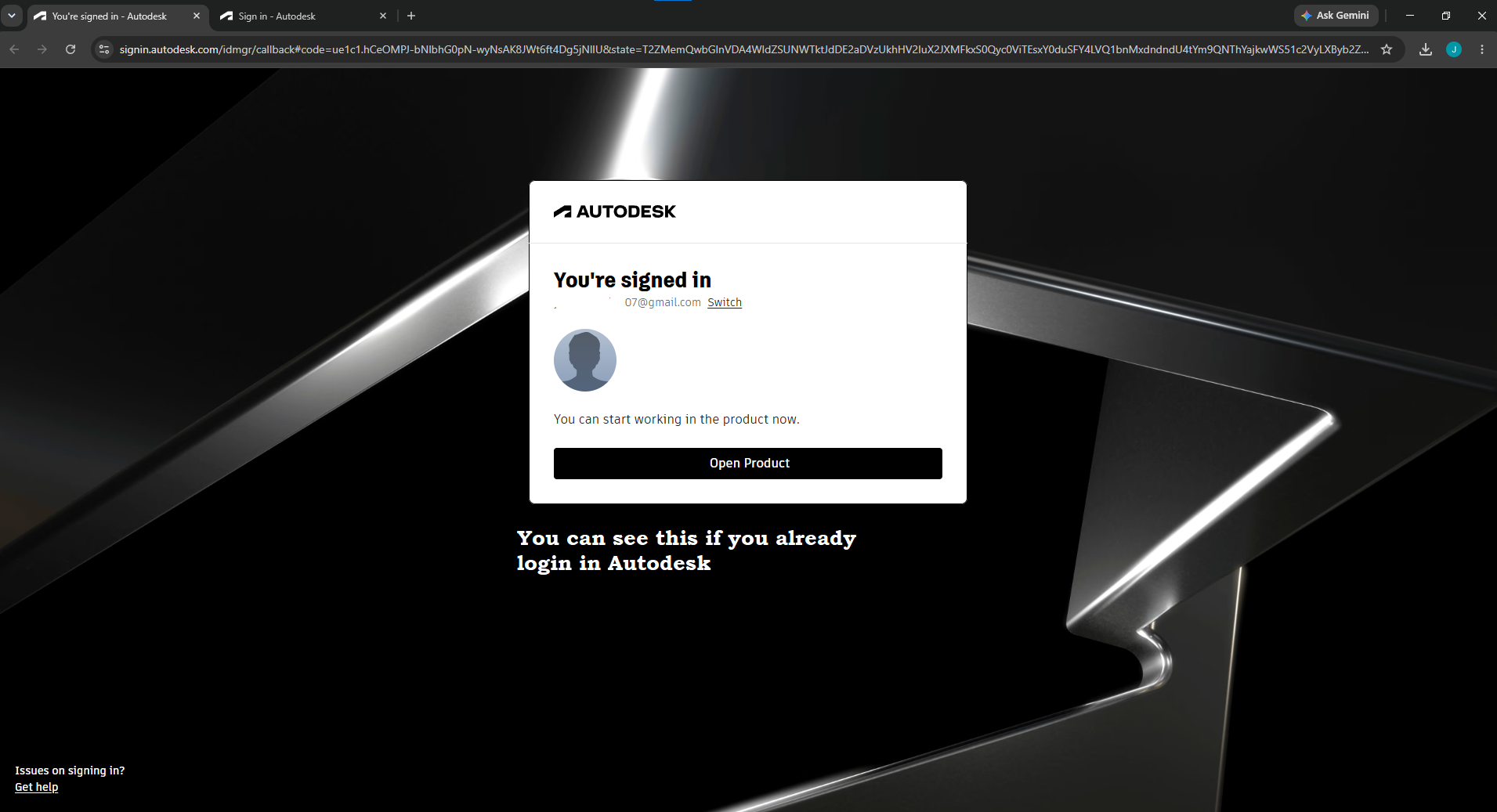
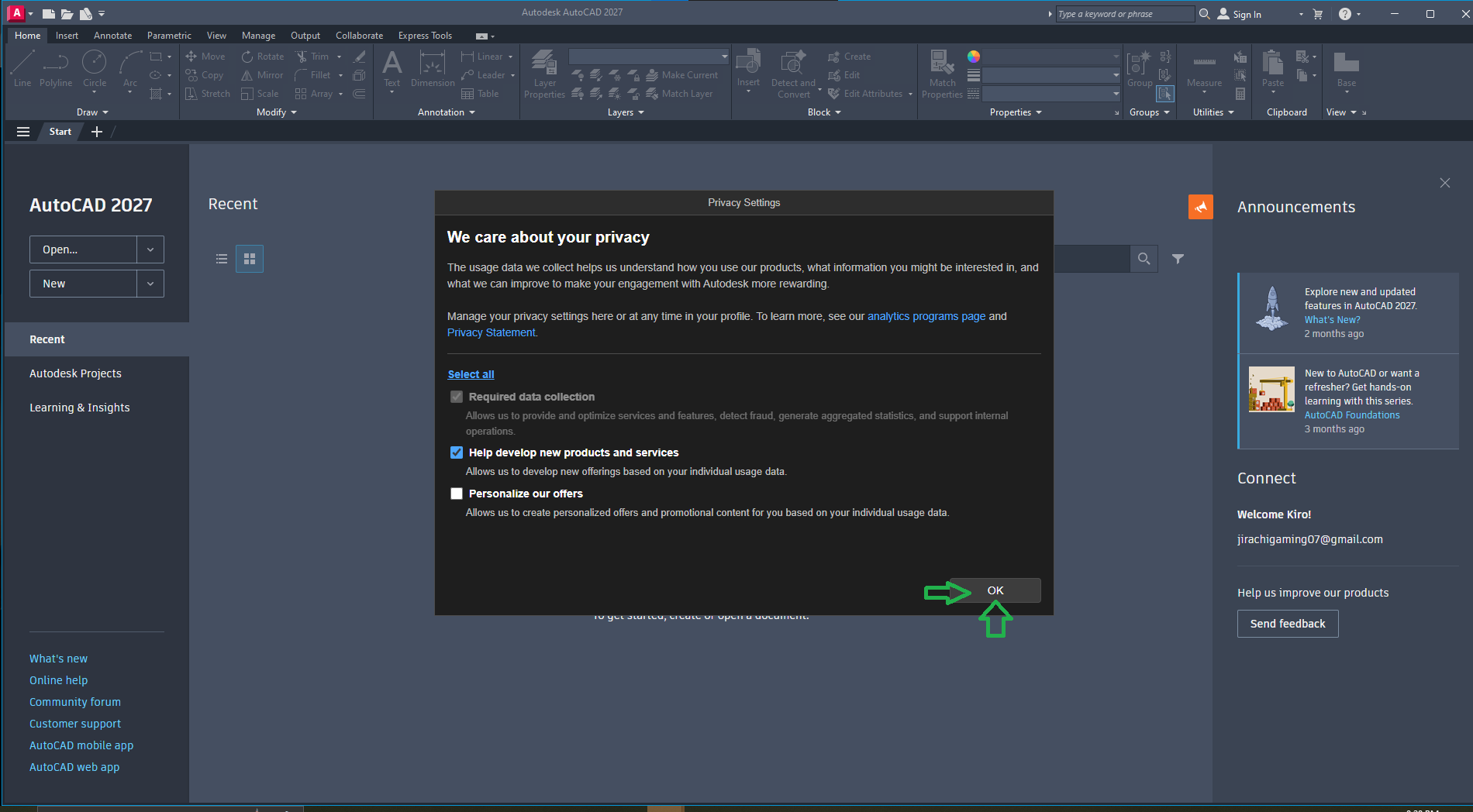
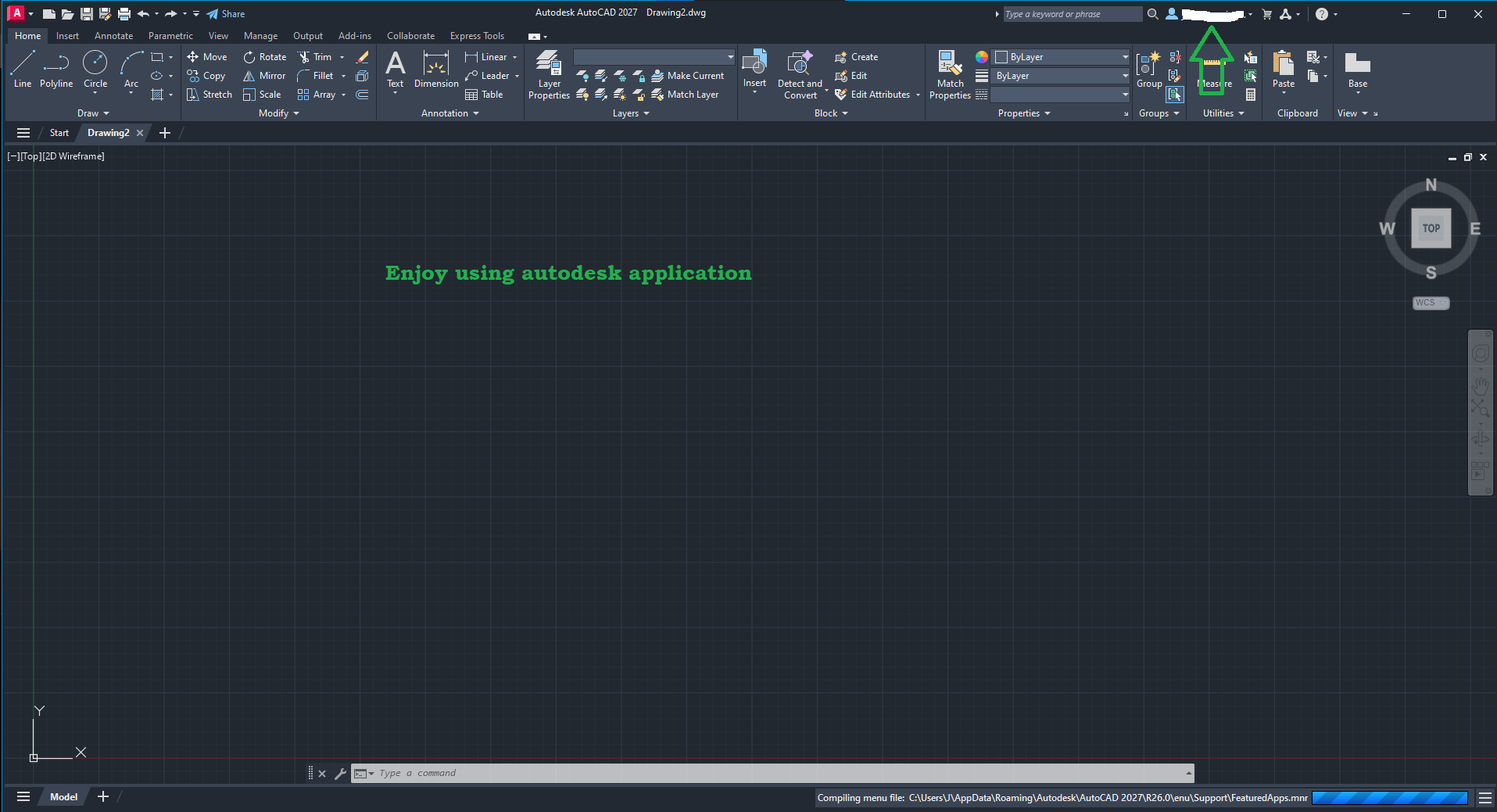
Ensure you are signed in to the Autodesk Desktop App with the exact email tied to your subscription or student license. If the issue persists, run the Autodesk Licensing Support Tool.
Download Keeps Failing
Instead of the standard "Install Now" option, go back to the Autodesk portal and select "Download Now" or "Browser Download" to get the full offline installer file.